Authentication & Authorisation
Authentication & Authorisation is built using The Cartalyst Sentinel - modern and framework agnostic authorisation and authentication package featuring roles, permissions, custom hashing algorithms and additional security features (such as throttling with DDoS protection, custom hashing strategies). For more details please visit the official Sentinel website: https://cartalyst.com/manual/sentinel/2.0 where you can find well-written documentation.
Alfred Groups, Users and permissions
Management of Groups, Users and their permissions you can find in the Settings module. In the Groups sub-module you can define as many groups as you wish. Within a single group, you can see a list of modules in your project, split into smaller functionalities (methods) that you are able to set up in the config/cms.php configuration file, under the modules array. Each module has restrictedMethods where you can define functionalities within the module and based on that you can secure CMS Module Controllers.
Feel free to declare the method names over there and then in the module controllers, you can check the permissions as per example:
if ($this->user->hasAccess('<MODULE NAME>.<RESTRICTED METHOD NAME>')) {
Real example of Blog module controller with restricted methods:
<?phpnamespace Cms\Modules\Blog\Controllers;use Cms\Controllers\ApiSimpleController;use Sentinel;class ApiController extends ApiSimpleController{protected $user;public function __construct(){$this->user = Sentinel::getUser();}public function index(){if ($this->user->hasAccess('Blog.index')) {...} else {abort(401);}}public function store(){if ($this->user->hasAccess('Blog.store')) {...} else {abort(401);}}public function edit($id){if ($this->user->hasAccess('Blog.index')) {...} else {abort(401);}}public function publish(){if ($this->user->hasAccess('Blog.publish')) {...}}public function update($id){if ($this->user->hasAccess('Blog.categories')) {...} else {abort(401);}}public function restore(){if ($this->user->hasAccess('Blog.update')) {...}}public function destroy($id){if ($this->user->hasAccess('Blog.destroy')) {...}}}
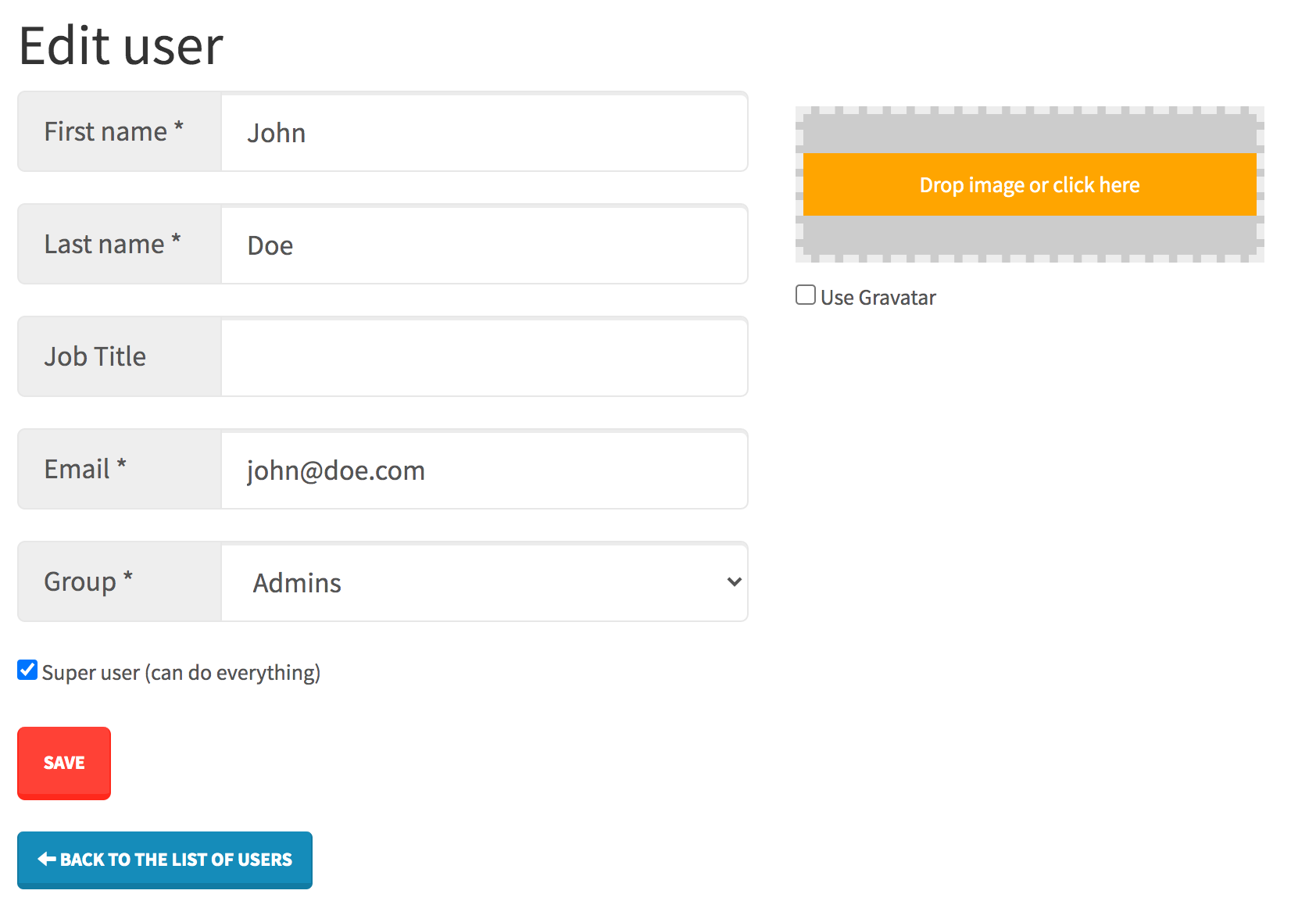
Users can be added via Users sub-module in the Settings. Every user has to be assigned to one group. User can be also marked as Super user (can do everything) - this way no group permissions will be considered by system and the user will be able to just do everything, access all modules etc.